
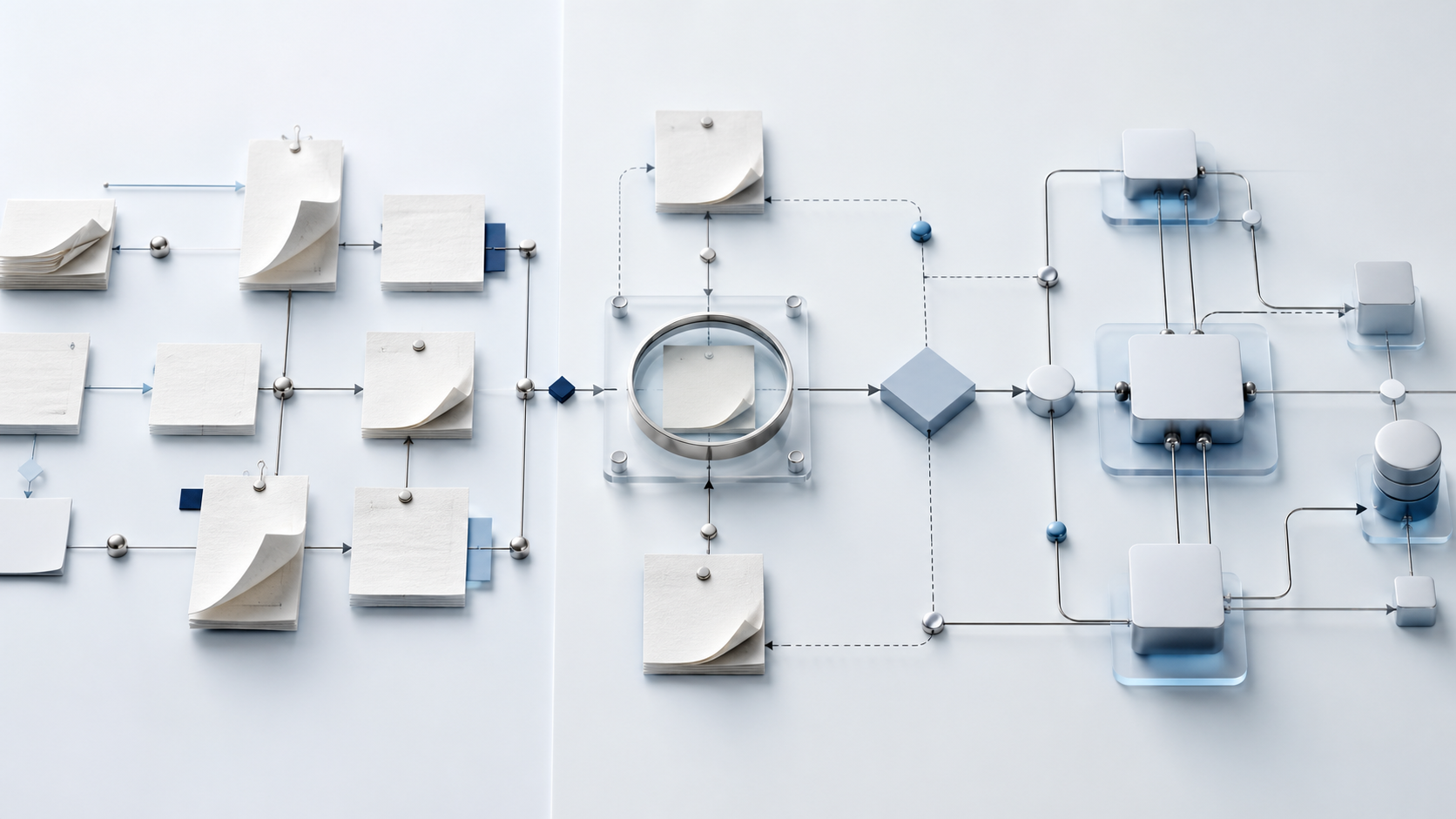
Map a manual workflow before automating it by documenting the trigger, outcome, people, steps, decisions, systems, data, exceptions and measures that make up the current process. Then separate necessary work from duplication, delay and rework. Automation should be designed around the improved process—not used to preserve every historical step at greater speed.
This matters because a manual workflow is rarely one neat sequence. A website enquiry may move through a form, an inbox, a spreadsheet, a diary, a proposal tool and several private conversations. The visible task might be “send a follow-up”, while the real process includes qualification, ownership, consent, timing, escalation and reporting.
Automating the visible action without mapping the wider journey can create faster mistakes, duplicated records and invisible failures.
Why automation should begin with evidence
An automation tool can transfer data, create tasks, send messages and update records. It cannot decide whether the underlying process is commercially sensible unless the business first defines what should happen and why.
A useful workflow map creates a shared view of:
- What starts the process.
- Which outcome marks successful completion.
- Who owns each stage.
- Which decisions change the route.
- What information is created, checked or transferred.
- Which systems are authoritative.
- Where work waits, repeats or fails.
- Which exceptions require human judgement.
- What evidence proves the process is working.
GOV.UK’s service-design guidance recommends mapping the wider user journey, including online and offline touchpoints, backend processes and the people involved. The principle applies directly to commercial operations: improving one task without understanding the complete customer or staff journey can move friction rather than remove it.
Choose one workflow and one measurable outcome
Do not begin with “automate the business”. Choose one process that is repeated, commercially relevant and sufficiently stable to study.
Good first candidates might include:
- Website enquiry to qualified sales conversation.
- Proposal accepted to onboarding complete.
- Customer request to resolved support case.
- Purchase to fulfilment and delivery confirmation.
- New lead to scheduled review and follow-up.
- Supplier invoice received to approved payment.
Name the start and finish precisely. “Lead follow-up” is too broad. “A valid website enquiry is acknowledged, assigned, reviewed and given an appropriate next action” is testable.
Then define the outcome. It may be a qualified appointment, an approved proposal, an onboarded customer or a closed request with a complete record. This prevents activity—emails sent, tasks created or records moved—from being mistaken for commercial progress.
If the workflow begins on the website, first check whether the public journey is creating complete and reliable inputs. Our guide to why business websites fail to generate enquiries explains how positioning, forms, confirmation and follow-up operate as one system.
Capture what really happens today
Map the current process before designing the future one. Speak to the people doing the work and observe representative cases. Written procedures often describe what should happen; system records and staff behaviour reveal what actually happens.
For each case, record:
- The trigger and time received.
- The person or system that notices it.
- Every action taken.
- Every decision and the information used.
- Every handoff between people, teams or systems.
- Every wait, chase, correction and repeated entry.
- The final state and time completed.
- Any branch that did not follow the standard route.
Microsoft’s official process-mining guidance distinguishes organisation-wide process discovery from task mining of desktop actions. Both rely on evidence of actual activity to find variations, mistakes, bottlenecks and automation opportunities. A smaller business may not need specialist mining software, but it should use the same discipline: observe reality rather than automate assumptions.
Build the map in nine layers
A useful workflow map needs more than boxes and arrows. Use the following nine layers to turn a diagram into an implementation specification.
1. Trigger
Record the event that starts the workflow and the minimum information required. A trigger might be a submitted form, accepted proposal, payment, booked appointment or incoming support request.
Avoid triggers based on someone remembering to check an inbox. If the process starts only after manual discovery, record that as a risk.
2. Intended outcome
Define the end state in business terms. “CRM updated” is not an outcome if the purpose is to secure a qualified sales conversation. State what should be true for the customer, team and record when the workflow finishes.
3. Owners
Assign one accountable owner to each stage. Separate the person who performs an action from the person accountable for its completion. Shared inboxes and group notifications do not create ownership by themselves.
4. Actions and handoffs
List the work in sequence, including the movement between website, email, CRM, calendar, payment, project and reporting systems. Mark every place information is copied or interpreted by another person.
Handoffs deserve particular attention. A reliable action can still feed an unreliable next stage.
5. Decisions and rules
Document the questions that change the route. For an enquiry workflow, these might concern service fit, geography, budget, urgency, capacity or consent.
Write the rule and its evidence. “High-quality lead” is not a usable rule. “Requests service A, operates in the supported region and has the required implementation window” is closer to an auditable decision.
6. Data
For each field, record where it originates, why it is required, where it is stored and who may use it. Identify the system of record rather than allowing several partly complete copies.
The ICO advises small organisations to consider data protection from the beginning of a new system, product, service or process, limit collection to what is needed and explain use in plain language. Workflow design therefore needs to treat personal information, access, retention and consent as requirements—not additions after launch.
7. Exceptions
List the cases that do not fit the standard route: incomplete information, duplicates, an existing customer, a failed payment, an unavailable owner, a sensitive complaint or a request requiring judgement.
Do not force every exception through an automated default. Some should create a task, pause the workflow or escalate to a named person.
8. Timing and service levels
Record active work time separately from waiting time. A two-minute task can sit untouched for two days because ownership is unclear.
Set realistic standards for acknowledgement, review, next action and escalation. The purpose is not to create arbitrary speed. It is to make the expected response visible and measurable.
9. Evidence and controls
Define the records needed to confirm that the process completed correctly. Examples include timestamps, owner, source, status, error reason, consent record and next-action date.
Automation without monitoring can fail silently. The process needs a way to identify missed triggers, delivery errors, duplicated records and stalled cases.
Separate value from waste before automating
Review every step and classify it.
Necessary value
The step contributes directly to the customer outcome, commercial decision, compliance requirement or quality of delivery.
Necessary control
The step protects accuracy, privacy, security or accountability. It may not be visible to the customer, but removing it would create unacceptable risk.
Avoidable friction
The step exists because systems are disconnected, information is duplicated, ownership is unclear or the process was designed around an old constraint.
Common friction includes:
- Re-entering the same contact details.
- Copying information from forms into spreadsheets.
- Asking customers for information already supplied.
- Waiting for a manager to identify the next owner.
- Sending generic chasers because the actual buying stage is unknown.
- Maintaining several status fields that mean different things to different people.
Remove or redesign avoidable friction before asking a tool to perform it faster.
Design the future-state workflow
Create a second map showing how the improved process should operate. Do not overwrite the current-state map; the difference between them explains the value and scope of the change.
For each future step, decide whether it should be:
- Eliminated because it creates no useful outcome or control.
- Simplified because fewer fields, approvals or handoffs are required.
- Standardised because the team needs one reliable rule.
- Automated because the action is repeatable and evidence-based.
- Assisted because software can prepare the work but a person should decide.
- Kept manual because judgement, sensitivity or commercial discretion matters.
This is where a connected CRM and automation service should begin: with a defined operating requirement, not a list of fashionable tools.
Write the automation specification
Turn the future-state map into a buildable specification. For every automated step, record:
- Trigger and required conditions.
- Input fields and source system.
- Validation rules.
- Action and destination.
- Owner and permissions.
- Customer-facing communication.
- Delay or timing logic.
- Exception and retry behaviour.
- Audit record.
- Success measure.
- Manual override and recovery route.
Example:
When a valid website enquiry is submitted, create or update one CRM contact and opportunity, preserve the source and consent fields, assign the opportunity using the approved ownership rule, send the relevant acknowledgement, and create a timed review task. If record creation or email delivery fails, log the error and alert the operations owner without sending duplicate customer messages.
That is an operational requirement. “Connect the form to the CRM” is not.
Test with real variations before full release
Use controlled test cases covering the normal route and meaningful exceptions. Include incomplete data, duplicate contacts, out-of-scope requests, after-hours submissions, delivery failures and reassignment.
Check the result from three perspectives:
- Customer: Was the response accurate, timely and understandable?
- Operator: Was ownership clear, and could the person see what happened?
- Management: Did the records support reporting and diagnosis?
GOV.UK experience-mapping guidance recommends representing how people experience a service across time, touchpoints and teams so pain points and interdependencies become visible. Testing should preserve that end-to-end view rather than confirming only that an individual automation ran.
Release in a limited scope, monitor exceptions and compare the result with the original baseline. Keep a documented rollback or manual route until the automated process is stable.
Measure the workflow, not just the automation
Useful measures depend on the business outcome. They may include:
- Completion rate.
- Time to acknowledgement and meaningful action.
- Cases waiting without an owner.
- Duplicate or incomplete records.
- Rework and exception rate.
- Qualified opportunities progressed.
- Customer requests resolved correctly.
- Automation failures detected and recovered.
Do not claim success because a workflow executed many times. A fast process that creates poor records or inappropriate communication is not high-performing.
Map the system before choosing the software
The correct automation platform depends on the map: existing systems, data sensitivity, event volume, permissions, integrations, exception handling, reporting and internal capability. Selecting software first can distort the workflow around what one tool happens to make easy.
The £297 Acquisition Works Audit reviews the customer journey, website, lead handling, CRM and relevant workflows as one commercial system. Within five working days, you receive prioritised actions and an implementation roadmap showing what to clarify, remove, connect or automate before committing to a larger build.